


Table of Contents
Table of Contents
- Why time tracking matters for landscaping businesses
- What to look for in a landscaping time-tracking app
- 1. Aspire
- 2. LMN
- 3. Hubstaff
- 4. Connecteam
- 5. BusyBusy
- 6. Jobber
- 7. ClockShark
- 8. QuickBooks Time
- 9. Arborgold
- 10. Workyard
- How to choose the right time-tracking app for your landscaping business
- Over to You!
Landscaping businesses often struggle to manage time across multiple tasks, projects, and crew members. Manual processes, such as paper timesheets, spreadsheets, or basic clock-in/out systems, are time-consuming and error-prone, so it’s harder to track labor hours accurately.
Time-tracking apps simplify this process by making it easier to record hours, monitor crew activity, and manage labor costs.
Here are some of the best time-tracking apps for landscaping businesses:
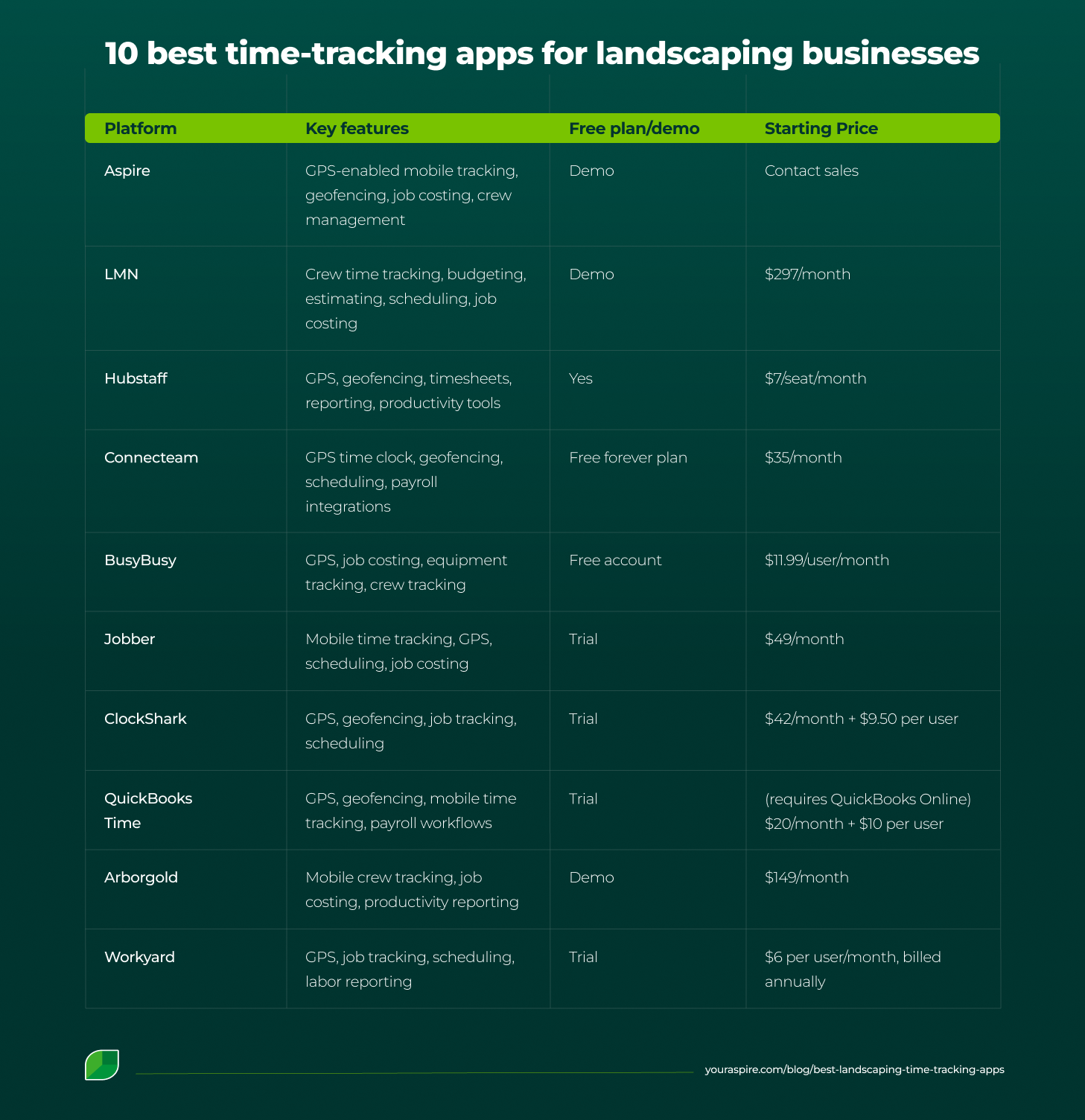
Disclosure: This article was created by Aspire and may reference its own products and services. The content reflects the author’s perspective and is based on publicly available information, accurate as of October 2026. Companies and tools are listed for informational purposes only and are not ranked or endorsed unless explicitly stated.
Why time tracking matters for landscaping businesses
A landscaping company does not sell billable hours in isolation. Labor hours connect to service visits, maintenance routes, drive time, enhancement work, installation phases, equipment use, customer commitments, and the margin promised in the estimate.
Reliable time tracking helps operations leaders:
Protect payroll accuracy: Replace handwritten timesheets and missing punch cards with a consistent digital record.
Control labor cost: Compare actual hours with budgeted hours by property, service line, crew, or task.
Bill with confidence: Support invoices with time and job records when a customer questions the work performed.
Improve production rates: Identify crews, routes, or job types that regularly exceed the planned hours.
Reduce administrative work: Use automation to move approved time into payroll and accounting workflows instead of reentering the data every week.
Strengthen accountability: Use location and job data to eliminate buddy punching and verify that time belongs to the correct work order.
Time tracking delivers the most value when it feeds the rest of the operating system. A standalone punch clock records attendance while an integrated platform turns those hours into actionable insights for staffing, scheduling, job profitability, and customer service.
What to look for in a landscaping time-tracking app
Not every time-tracking app is designed for field service businesses. A basic employee clock or simple mobile clock-in tool records hours accurately but lacks insight into how those hours affect crew productivity, profitability, or job costs.
When comparing options, you want to prioritize:
GPS-enabled mobile time tracking: Lets crews clock in and out from the field while giving managers visibility into their location, where permitted.
Geofencing: Automatically sets virtual boundaries and tracks accurate time records around job sites.
Job and cost-code tracking: Connects labor hours to specific jobs, properties, services, or projects.
Crew management: Gives field teams schedules, assignments, and time-tracking tools in one mobile workflow.
Payroll integration: Moves approved hours into payroll without repeated manual entry.
Job costing: Compares actual labor against estimates to flag potential margin issues.
Scheduling: Connects recorded hours to scheduled jobs to spot discrepancies.
Reporting and analytics: Provide customizable reports and dashboards to better analyze labor costs, job profitability, etc.
Offline mode: Allows crews to record their hours when mobile connectivity is unreliable.
Scalability: Select software that keeps up as your business adds crews, locations, customers, and more complex operations.
1. Aspire
Aspire is a time-tracking platform for landscaping companies that need labor visibility tied to the full business operation. The Crew Mobile app records time and materials in the field, while GPS data supports job verification and management visibility.
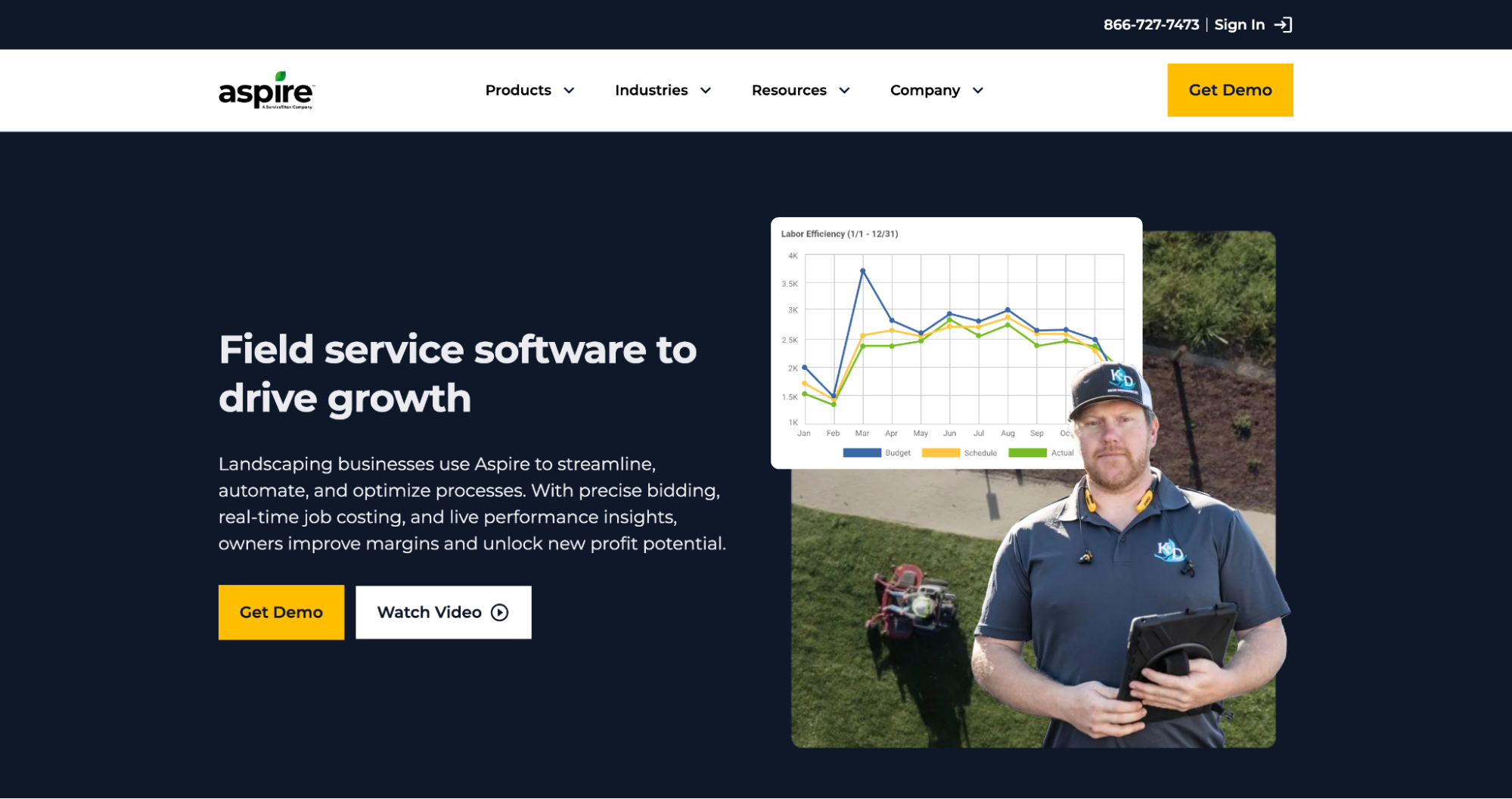
Source: Aspire
Aspire is part of a broader solution, connecting field time with job costing, scheduling, reporting, estimating, CRM, project management, and invoicing. This link closes the loop between what the estimator planned, what the crew performed, what the job cost, and what the customer receives on the invoice.
Key features
GPS-enabled and geofenced mobile time tracking: Track labor hours in the field and connect time entries to specific jobs.
Crew scheduling and management: Assign teams to jobs, coordinate workloads, and adjust schedules as priorities change.
Real-time job costing: Compare performance against estimates and identify potential overruns.
Estimating and production data: Build consistent estimates and account for labor, materials, and expected profit margins.
Reporting and analytics: Provides customizable reports and dashboards to better analyze labor costs, job profitability, etc.
CRM and pipeline management: Manage customer relationships, track bids and proposals, and keep account details organized.
Pricing
Aspire pricing varies based on the business size and its implementation requirements. Contact Aspire for a personalized quote and demo.
Pros
Aspire is robust and unlocks lots of valuable data for many businesses.
Helps customers make more data-driven decisions.
It’s easy to communicate with field crews and managers through Aspire’s client portal.
Cons
Aspire has many features, which makes it hard to understand at first.
Some users on Capterra find it expensive.
Best for
Aspire is the strongest choice for mid-sized landscaping businesses that need time tracking as part of a broader operational system.
2. LMN
LMN is built specifically around landscaping operations rather than general workforce management.
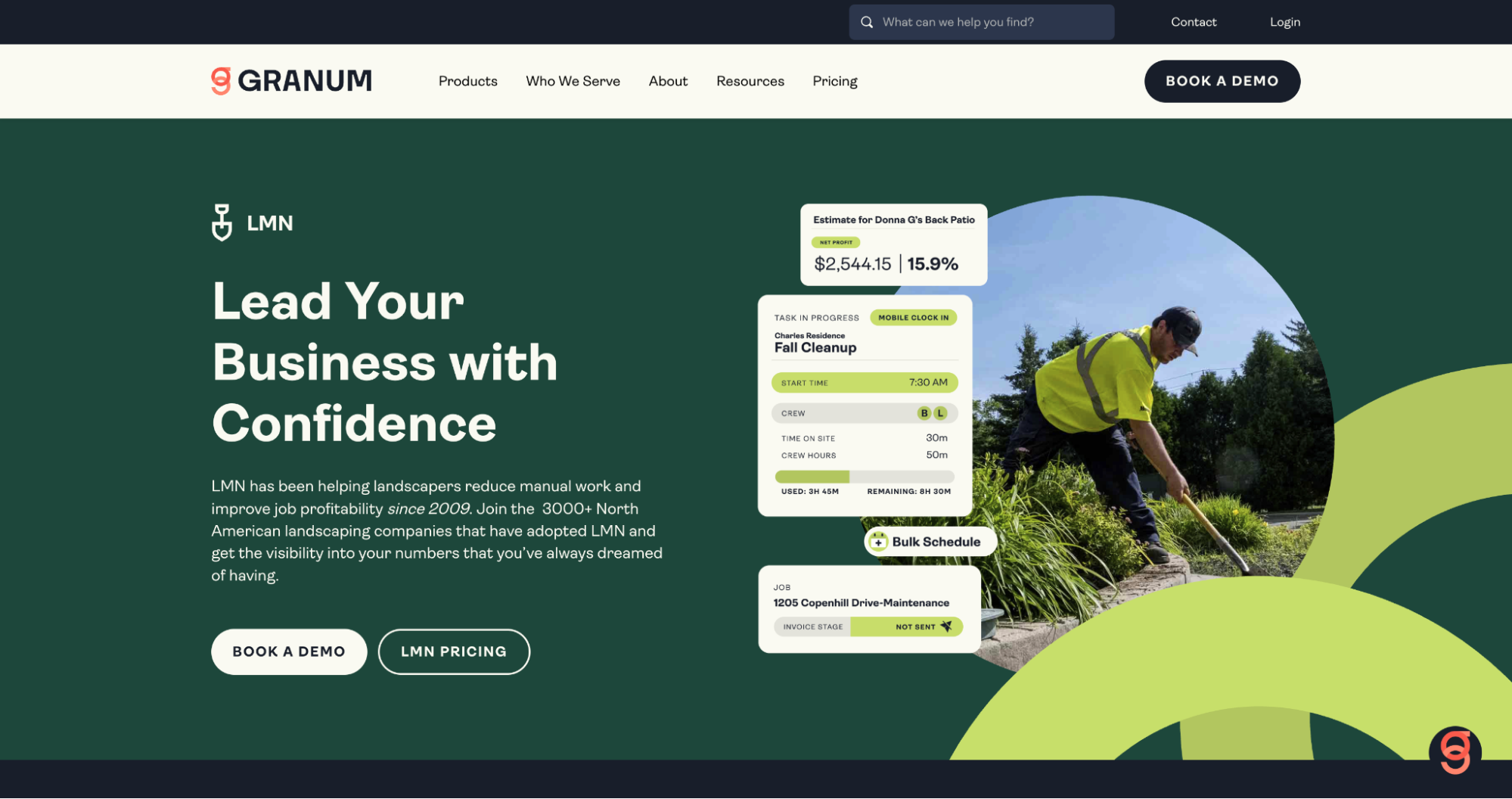
Source: Granum
Its platform combines budgeting, estimating, scheduling, crew management, invoicing, and job-costing functionality. One of its higher-tier plans also includes real-time job costing, expense tracking, and equipment and material costing.
Key features
Crew time tracking: Crews clock in and out, record hours against specific jobs, and track completed work.
Scheduling: Schedule jobs, assign crews, and organize daily workloads using a digital calendar.
Crew management: Review assignments, track team members’ work, and access job instructions and notes directly from the field.
Pricing
LMN Starter costs $297/month, and Professional starts at $648/month, with additional license costs and onboarding considerations. Enterprise pricing is customized.
Pros
Being able to see where everyone is and adjust schedules quickly is very helpful.
Users like how easy it is to schedule multiple departments and manage everything from one platform.
Reviewers also praise the support team for being helpful and taking the time to answer questions thoroughly.
Cons
The scheduling feature might need some work, such as the ability to tell weekly vs. biweekly apart.
Communication is mostly one-way, so customers cannot reply.
Best for
LMN fits landscaping companies that want an industry-specific platform covering budgeting, estimating, scheduling, and job costing alongside crew management.
3. Hubstaff
Hubstaff combines time tracking with workforce reporting, project budgets, invoicing, scheduling, and productivity tools.
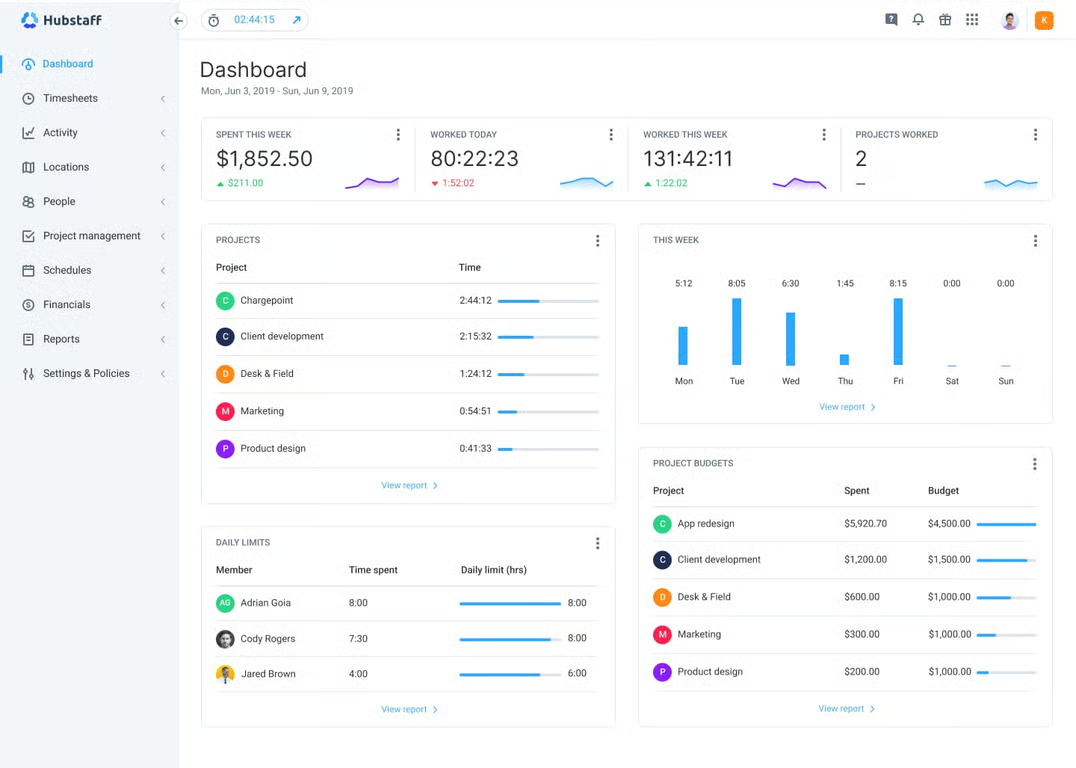
Source: Hubstaff
Its mobile tools support GPS and geofenced time clocks, while managers receive detailed timesheets organized by employee, client, and project.
Key features
GPS and geofenced time tracking: Lets you see where field employees are working and verify their time on-site.
Automated timesheets: Turn tracked work hours into timesheets, reducing the need for manual entry.
Offline mobile tracking: Stores time and activity data locally, then automatically syncs it once the device reconnects.
Pricing
Starter: $7/seat/month
Grow: $9/seat/month
Team: $12/seat/month
Enterprise: $25/seat/month
Pros
Screenshots and activity rates give customers an accurate picture of productive hours.
The reporting and activity tracking are effective at managing remote employees.
It’s easy to use to track time accurately and evaluate team performance.
Cons
Feels a bit overwhelming at first, especially for new users.
The mobile app could be improved, as there are occasional syncing or performance issues.
Best for
Hubstaff works well for landscaping businesses that prioritize GPS visibility, workforce monitoring, and detailed employee time reports.
4. Connecteam
Connecteam combines time tracking, scheduling, forms, tasks, and workforce communication in a mobile-first platform.
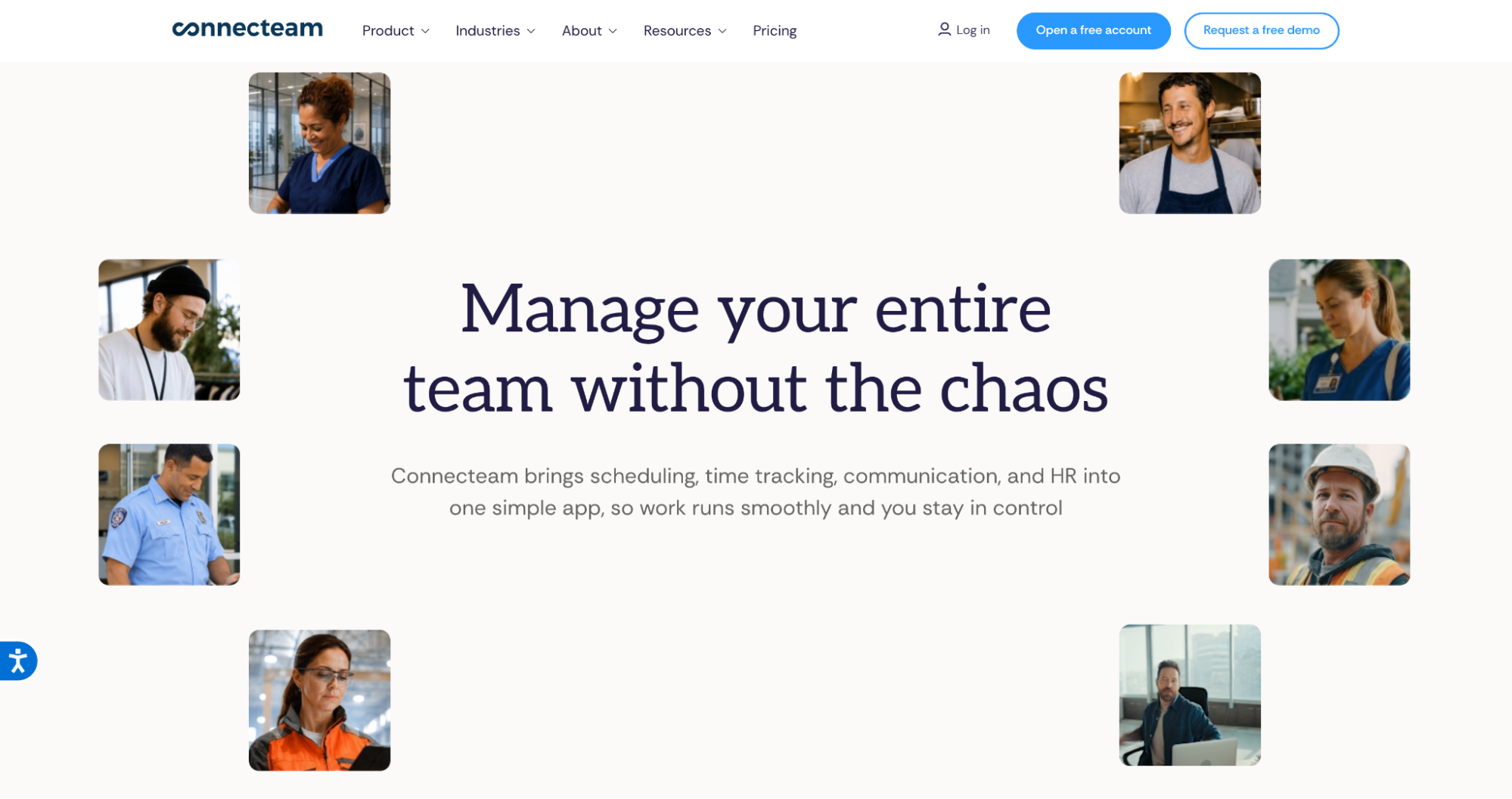
Source: Connecteam
Its Operations Hub includes a time clock and job scheduling, while its paid plans support GPS clock-ins, payroll integrations, geofencing, automated clock-outs, and advanced scheduling.
Key features
GPS-enabled clock-in and clock-out: View location stamps alongside time entries to confirm attendance.
Geofencing: Create virtual boundaries around offices, client properties, and other job sites.
Automated clock-outs: Automatically clock employees out when they leave a designated geofenced worksite.
Pricing
Small Business Plan: Free forever
Basic: $35/month
Advanced: $59/month
Expert: $119/month
Enterprise: Custom quote
Pros
The team chat button makes communication with staff quick and simple.
The free option is a solid choice for small teams.
The platform is easy to use and packed with features that make running a business simpler.
Cons
The mobile app feels a bit clunky at times, and it takes time to figure out.
Not designed exclusively for landscaping companies.
Best for
Connecteam is a strong fit for landscaping businesses that need crew communication, scheduling, time tracking, and workforce management in one app.
5. BusyBusy
BusyBusy focuses heavily on mobile crews, time tracking, GPS, job costing, and equipment tracking.
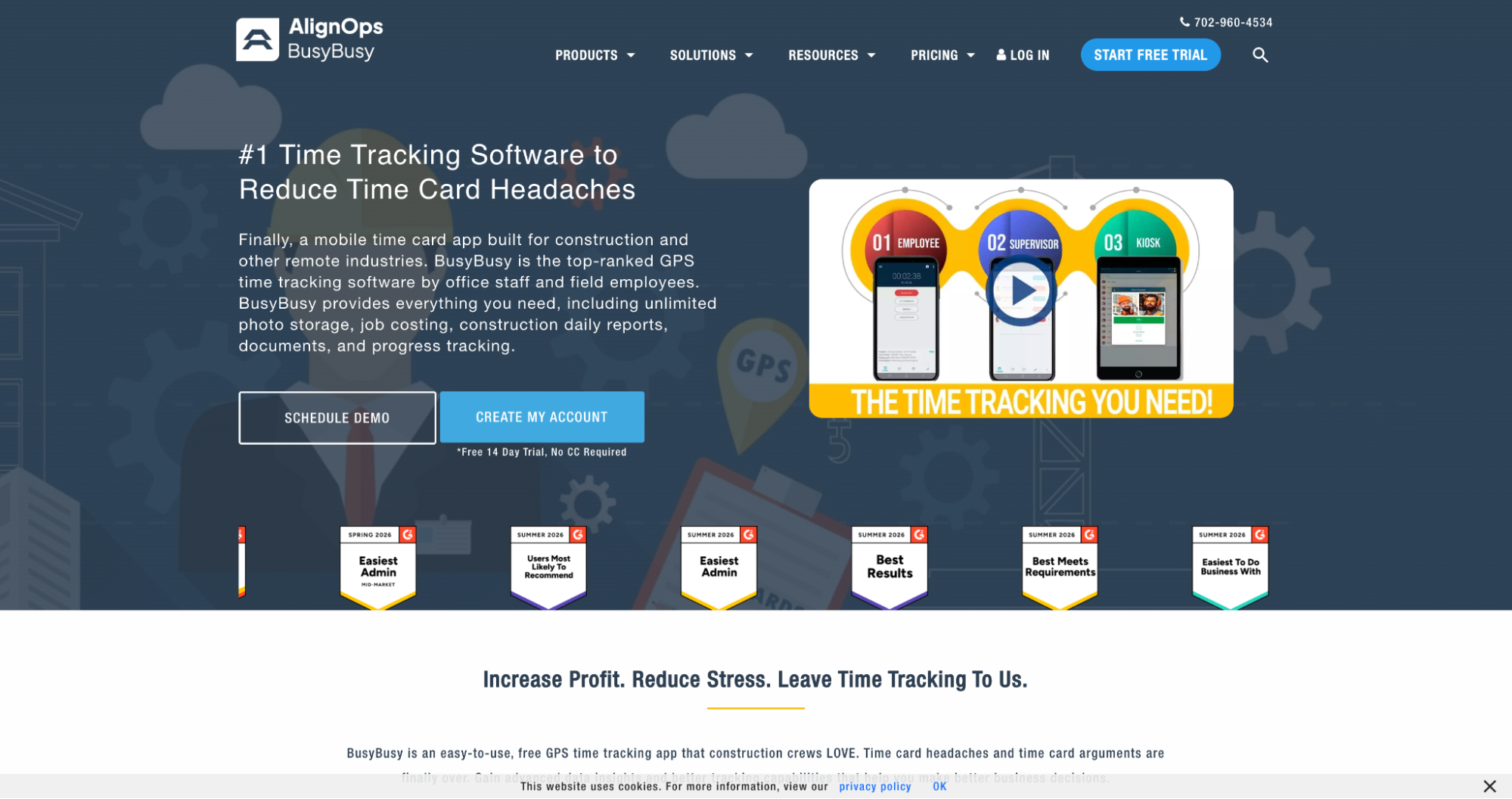
Source: BusyBusy
The platform supports GPS time tracking, project and cost-code tracking, equipment tracking, supervisor tools, digital timecard signatures, and offline functionality.
Key features
GPS time tracking: Location data is associated with time entries and projects, giving businesses real-time visibility into labor hours.
Location-based reminders: Set up reminders about a project’s geofenced areas, reducing missed clock-ins.
Digital timecard signatures: Let employees electronically sign their timecards from a mobile device at the end of the pay period.
Pricing
Free account
Pro: $11.99/user/month
Premium: $17.99/user/month
Pros
Has a free entry-level option for small teams that don’t need a sophisticated tool.
The mobile app is easy to use and accessible.
Makes time tracking much smoother and easier.
Cons
Even though it has a free version, employees are unable to edit their time if they forget to clock in.
Best for
BusyBusy makes sense for landscaping businesses that primarily need accurate field time tracking and job-cost visibility without replacing their wider business software.
6. Jobber
Jobber combines scheduling, customer management, invoicing, job tracking, and field operations.
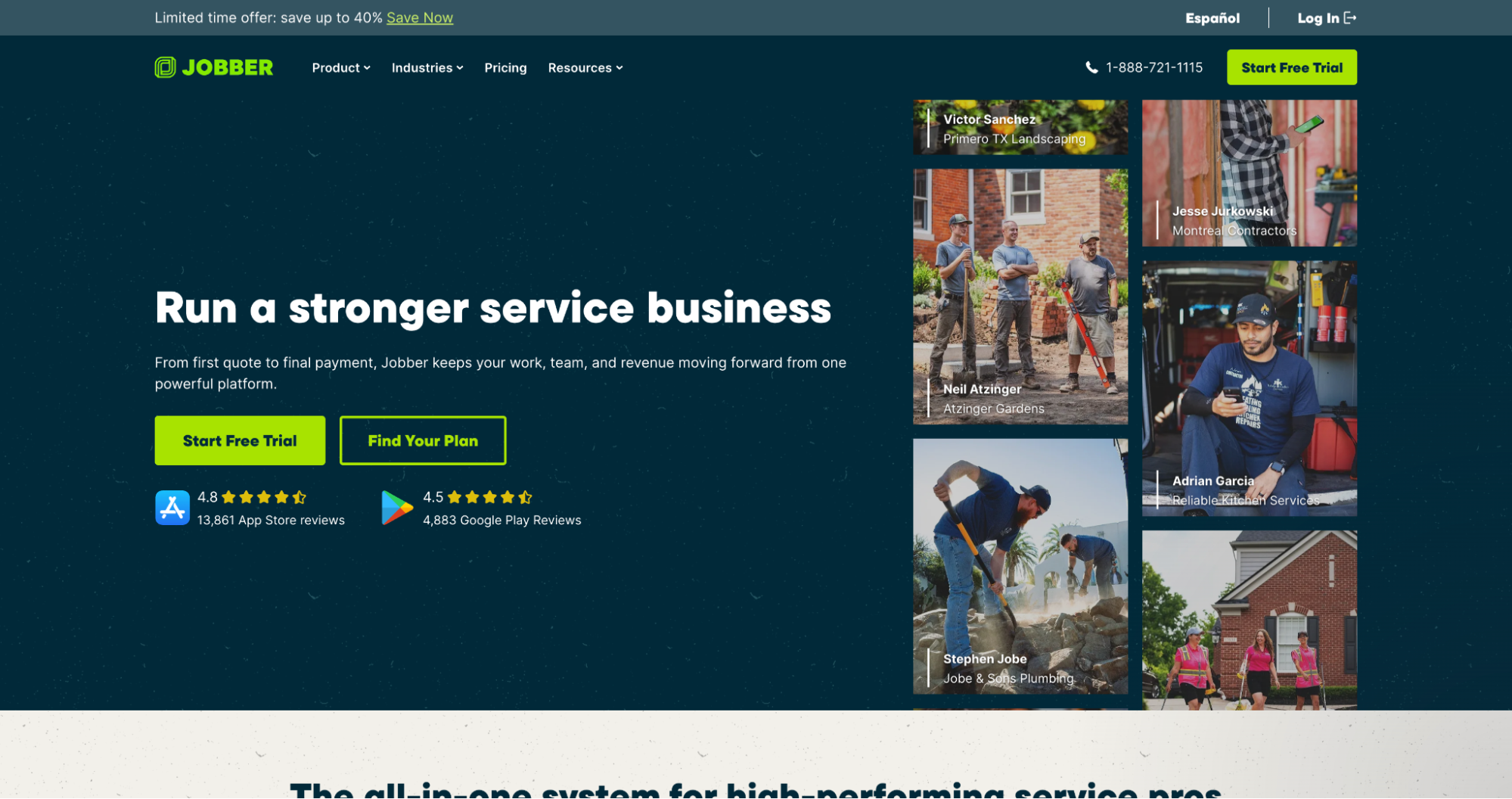
Source: Jobber
Its mobile app lets teams clock in and out of jobs, while higher plans add automatic time tracking using location timers and geofencing.
Key features
Automatic time tracking: Makes it easier to compare actual labor hours with estimates and keep records organized.
GPS and location timers: Automatically start or stop job timers when employees arrive at or leave a designated location.
Mobile job management: Field teams access schedules, view job instructions, and manage tasks while on the go.
Pricing
For a solo operation, Jobber starts at $49/month. The Connect plan begins at $139/month, while the Grow plan is $199/month.
Pros
Users appreciate the drag-and-drop scheduling dashboard, which makes it simple to organize and adjust appointments.
Jobber is easy to learn and navigate, even for those without much technical experience.
The calendar view helps users manage client appointments, keep track of quotes, and handle basic invoicing in one place.
Cons
The reporting tools lack the flexibility needed for more detailed business analysis.
Pricing can feel steep for smaller teams.
Best for
Jobber is best suited to smaller landscaping and lawn-care companies that want time tracking bundled with scheduling, customer management, and invoicing.
7. ClockShark
ClockShark focuses on time and attendance for field-service businesses.
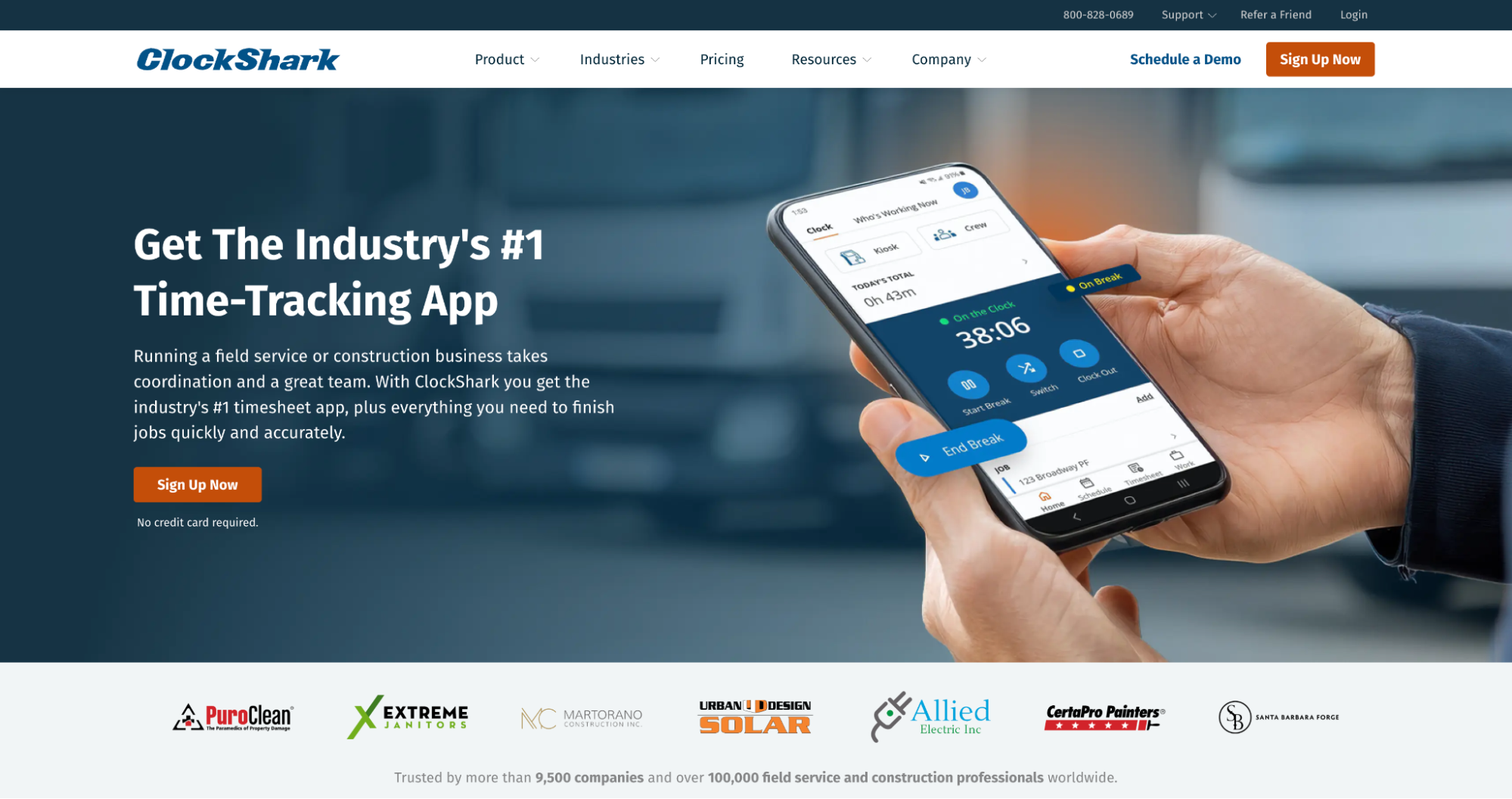
Source: ClockShark
The platform includes mobile time tracking, GPS, job and task tracking, geofencing, drag-and-drop scheduling, approvals, and integrations with payroll and accounting platforms.
Key features
GPS tracking: View team members’ location on a map, and with the GPSTrak feature enabled, review location history.
Geofencing: When employees enter a designated area, they receive a reminder to clock in.
Mobile time tracking: Allows employees to clock in and out, record breaks, and track time against specific jobs and tasks directly from their phones.
Pricing
Standard: $42/month + $9.50 per user
Pro: $63/month + $11.50 per user
Pros
The tool is easy to use and gives people access to information quickly.
It’s customizable and doesn’t require internet service for the user to clock in and out.
Has an accurate time tracker with support for GPS and a high level of security.
Cons
You have to pay for additional users, which could get costly.
Best for
ClockShark is a practical option for landscaping businesses that want a dedicated field time-tracking and scheduling system without adopting a full business management platform.
8. QuickBooks Time
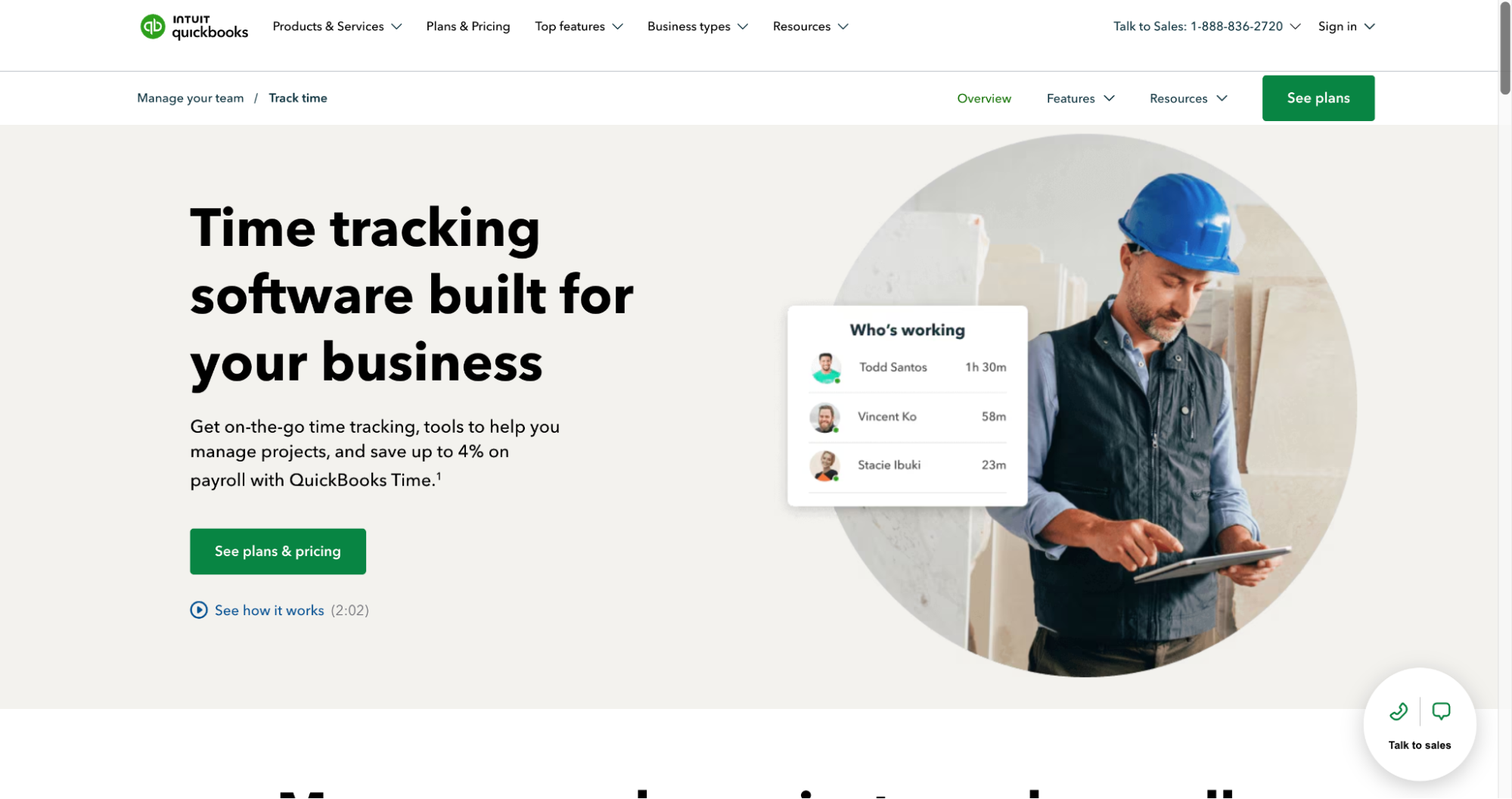
QuickBooks Time is particularly useful when you already run payroll and accounting through QuickBooks.
Source: QuickBooks
Employees use the mobile app to clock in and out, track time against projects and tasks, and record work from the field. GPS and geofencing features help verify location-based time records.
Key features
Mobile time tracking: Field teams log their time while on-site instead of relying on paper timesheets or entering hours at the end of the day.
GPS tracking: Managers view location data and review the timeline associated with a timesheet to check where work took place.
Timesheet approvals: Employees review and submit their timesheets for approval before managers process payroll.
Pricing
QuickBooks Time requires QuickBooks Online, but the pricing plans for only time tracking are as follows:
Time Premium: $20/month + $10 per user
Time Elite: $40/month + $12 per user
Pros
Saves time compared with doing everything manually.
Some users consider the ability to track hours across multiple jobs and service items a major strength.
It’s simple to approve time off and shifts worked for payroll.
Cons
Occasional syncing issues slow down daily management tasks.
The interface is often confusing and not very intuitive for employees.
Best for
QuickBooks Time is a logical choice for landscaping businesses that already rely heavily on QuickBooks for payroll and accounting and want to add mobile field time tracking.
9. Arborgold
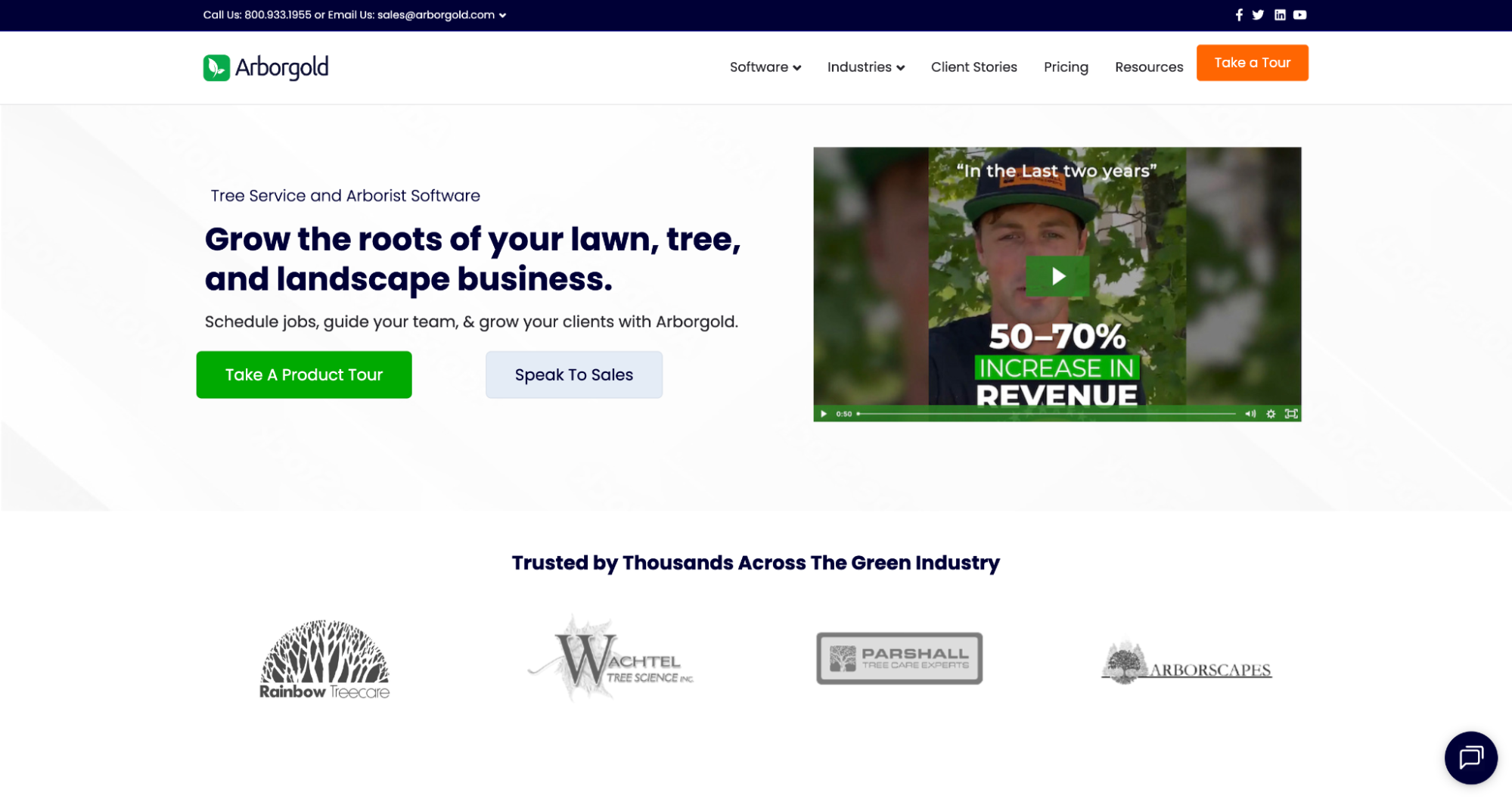
Arborgold combines business management with field operations for arboriculture and landscaping companies.
Source: Arborgold
Its mobile crew tools support clock-in and clock-out workflows, task tracking, and job-related labor reporting. Job-costing reports also compare estimated and actual hours and provide crew productivity information.
Key features
Mobile crew time tracking: Lets employees clock in and out directly from their phones, tracking hours against specific jobs, services, and activities.
Crew productivity and reporting: Managers compare estimated and actual work hours and review time spent on-site versus off-site.
Scheduling: Its routing and mapping tools help managers group jobs by location and plan efficient routes, reducing unnecessary travel.
Pricing
Starter: $149/month
Professional: $343/month
Enterprise: $573/month
Pros
Running reports to gather valuable information is a key benefit to the program.
Users like that it integrates with QuickBooks and is available to estimators in the field.
Customer support is quick to offer advice and solutions to improve functionality.
Cons
There’s a learning curve after every update.
Doesn’t have automation features like email reminders about upcoming appointments, invoices, etc.
Best for
Arborgold is worth a look if you run a tree care and landscaping company and need field management and crew productivity tools alongside time tracking.
10. Workyard
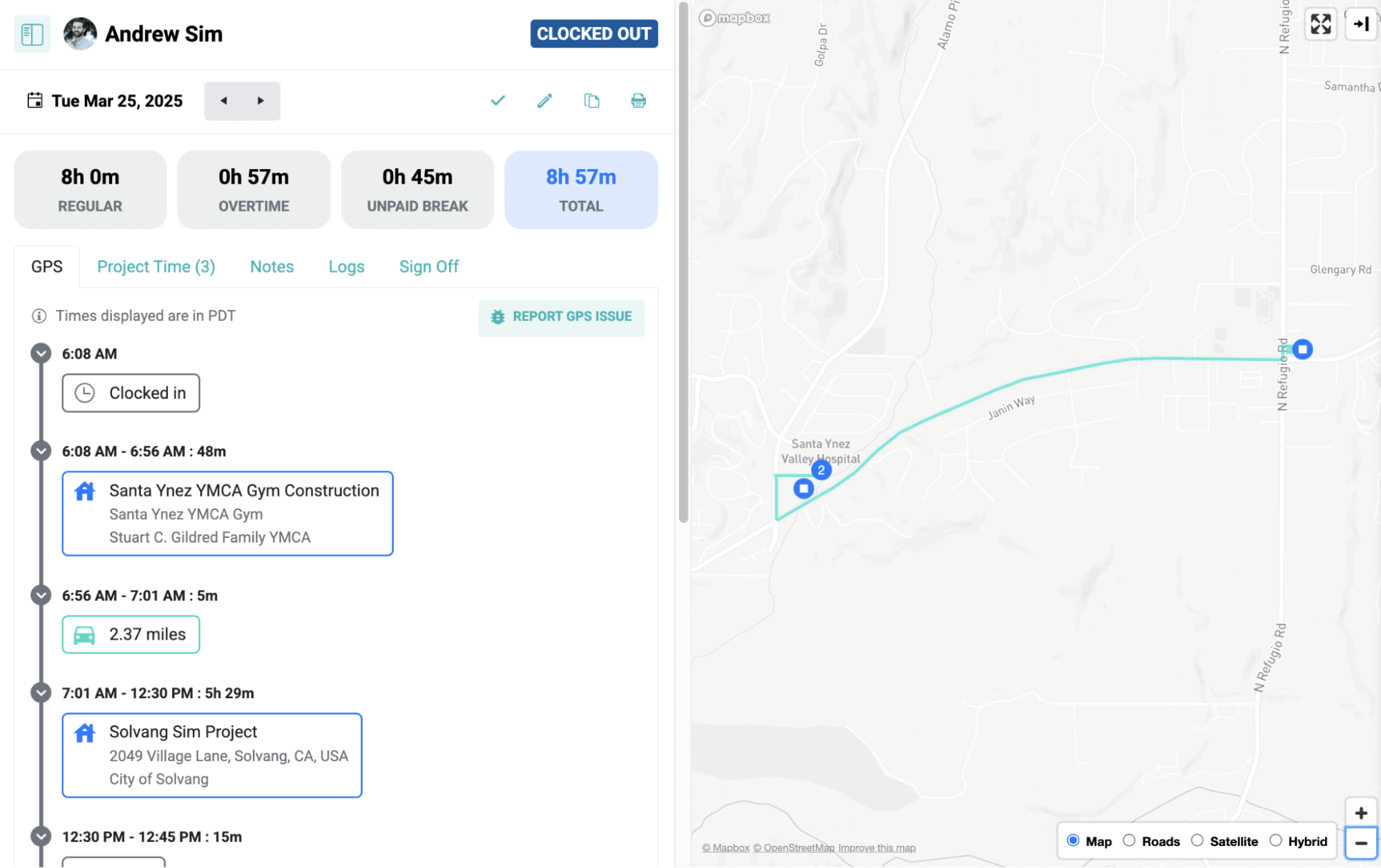
Workyard is designed around mobile and field-based workforces, with an emphasis on GPS time tracking, job-site visibility, and labor management.
Source: Workyard
Its approach suits contractors that need to know where employees are working, how much time they spend on jobs, and how labor affects project costs.
Key features
GPS time tracking: Record employees’ location while they’re clocked in, capturing arrival and departure times.
Geofencing: Ensure employees clock in and out at the correct time and location.
Job-site tracking: See when employees arrive at and leave job sites and how long they spend at each location.
Pricing
Workyard plans start at $6 per user per month, billed annually. Monthly billing is also available.
Pros
The geofence features are easy to use and provide great information.
Reviewers appreciate the tool’s ability to send photos through the app.
Timesheets automatically upload to the accounting software.
Cons
Lacks push notifications when tasks are assigned to you. It only sends email notifications.
The automatic clock in/out feature may clock employees in on weekends.
Best for
Workyard is a suitable option for landscaping businesses that prioritize GPS workforce visibility and labor tracking over full landscape business management.
How to choose the right time-tracking app for your landscaping business
The best landscaping time-tracking software depends on what happens after an employee clocks out.
If those hours simply move into payroll, a dedicated time clock might be enough.
If those hours need to influence job costing, scheduling, production reporting, estimating, invoicing, and profitability, look for a platform that connects the entire workflow.
Step 1: Identify your biggest time-tracking problem
Start with the issue that creates the most administrative work by asking yourself whether any of the following impact your operations:
Missing or inaccurate timesheets
Payroll errors
No visibility into crew locations
Jobs consistently exceeding labor budgets
Manual entry between systems
Poor visibility into crew productivity
Step 2: Test the field experience
Run a pilot with representative crews across residential maintenance, commercial maintenance, enhancements, and installation work. Test clock-in speed, job selection, task coding, offline capture, GPS accuracy, supervisor corrections, and end-of-day review.
A polished demo does not prove adoption. Ask crew leaders to use the app during a real operating week and measure correction requests, support tickets, and payroll exceptions.
Step 3: Validate the financial workflow
Ask each vendor to demonstrate the path from time entry to management decision. The demo should show:
Actual hours against estimated or budgeted hours
Labor cost by job, property, service line, and crew
Overtime and exception reporting
Timesheet approval and payroll export
Schedule changes and their effect on labor capacity
Reporting for production rates and job profitability
Also calculate the total cost of ownership. Include subscriptions, implementation, integrations, payroll exports, hardware, support, training, and internal administration.
Over to You!
Landscaping time-tracking apps give managers reliable information about who performed the work, what they worked on, and how those hours affected the job.
But some of the best apps, like Aspire, go beyond that. They connect time tracking to your other business operations, offering visibility into labor efficiency and job profitability.
Ready to see how Aspire handles time tracking, scheduling, and job costing for landscaping businesses? Book a demo today.





 866-727-7473
 Schedule Demo
 390 S Woods Mill Rd #300 Chesterfield, MO 63017


